Size it before you hook it
Enter your gauge and see the finished width and height as you chart — or start with the size you want and let Crochetius calculate the stitch count.
Public beta
Create accurate, professional crochet charts with tools built specifically for crochet designers.
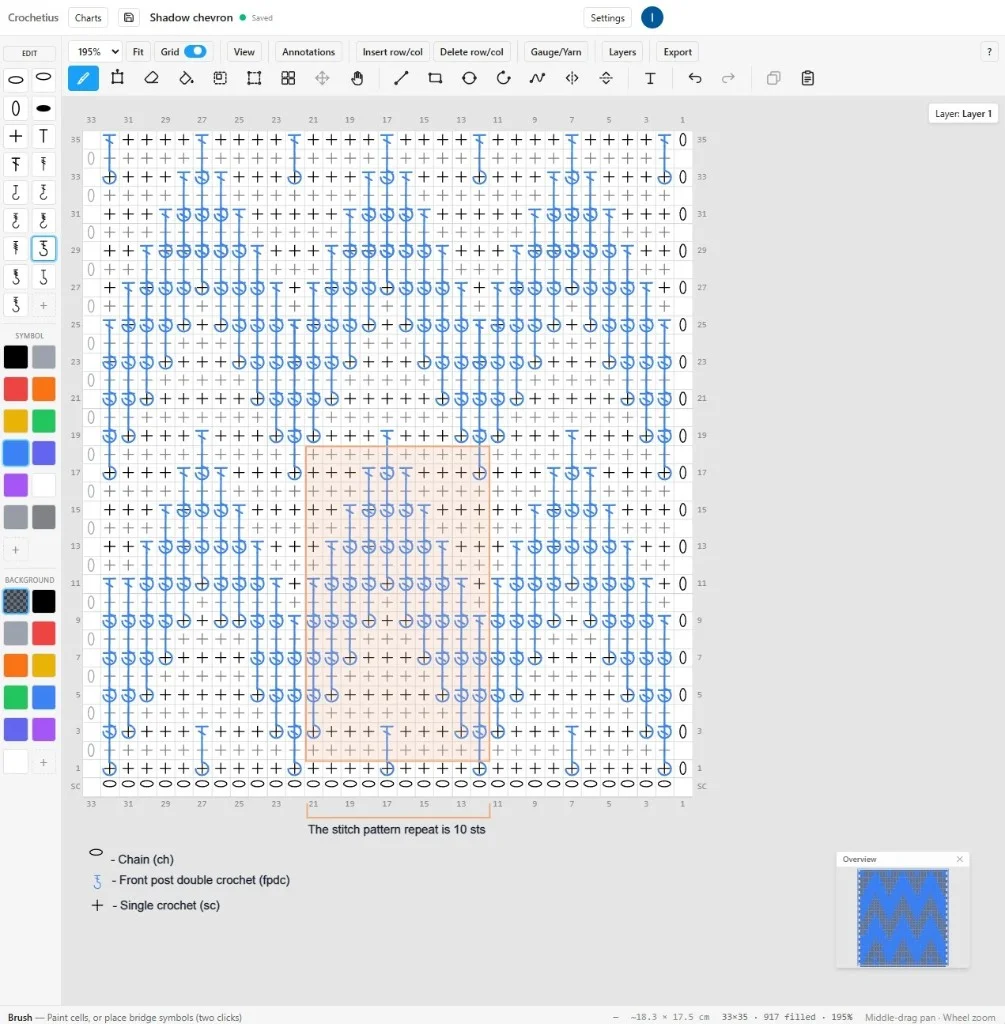
Everything you need to create professional crochet charts, without the workarounds other tools leave you with.
Enter your gauge and see the finished width and height as you chart — or start with the size you want and let Crochetius calculate the stitch count.
Upload your image, crop and resize it, remove the background, and choose your color palette — all without leaving Crochetius for another program.
Anchor stitches between points and place them at true angles. Build shells, fans, and angled stitch combinations right inside your chart.
Place an image over an existing chart, then scale, rotate, and position it exactly where you need it — without starting over just to add one element.
Work with layers, flood fill, pattern tiles, mirroring, and 100+ levels of undo — the familiar editing tools that make designing faster.
Start with a full library of standard crochet symbols. Need something different? Create or paste your own symbol, set its anchors, and reuse it throughout your charts.
Place row numbers, notes, arrows, brackets, and other annotations exactly where your readers need them.
Every symbol you use is automatically added to the legend and stays up to date as your chart changes.
Create multi-page tiled PDFs with an assembly map and your gauge in the header, or export as PNG — no manual page setup in another program.
Crochetius is already built for serious chart making.
Crochetius is in public beta. Testers get the whole editor free, with no card and no feature tiers. Paid plans arrive later — and when they do, the charts you have already made stay accessible.
Yes. During the public beta the full crochet chart editor is free, no payment details are required, and you can start charting without an account. Paid plans are planned for later; anything you make during the beta stays accessible.
No. Crochetius runs in a modern desktop browser — Chrome, Edge, Firefox or Safari. A tablet mode for following a chart while you crochet is on the roadmap but is not built yet, so a laptop or desktop is the right tool for designing today.
No, and that is deliberate. Crochetius is a crochet chart maker only. Crochet has its own geometry — stitches of different heights, symbols that span more than one cell, work built outward rather than in rows — and tools that serve ten crafts at once end up serving none of them properly.
Not yet. Written instruction generation, including repeat detection and US/UK terminology, is the next major feature. Today you design the chart, annotate it, and export it as a multi-page PDF or PNG with the legend included.
Yes. Import a photo, crop and resize it, remove the background, reduce it to a palette you choose, and it becomes an editable graphghan chart. You can also drop a photo or motif onto a chart you have already sized instead of starting over.
Charts can be up to 500 stitches wide and 500 rows tall. That covers most blanket-scale graphghans and symbol charts in the browser.